

Thick Circles#
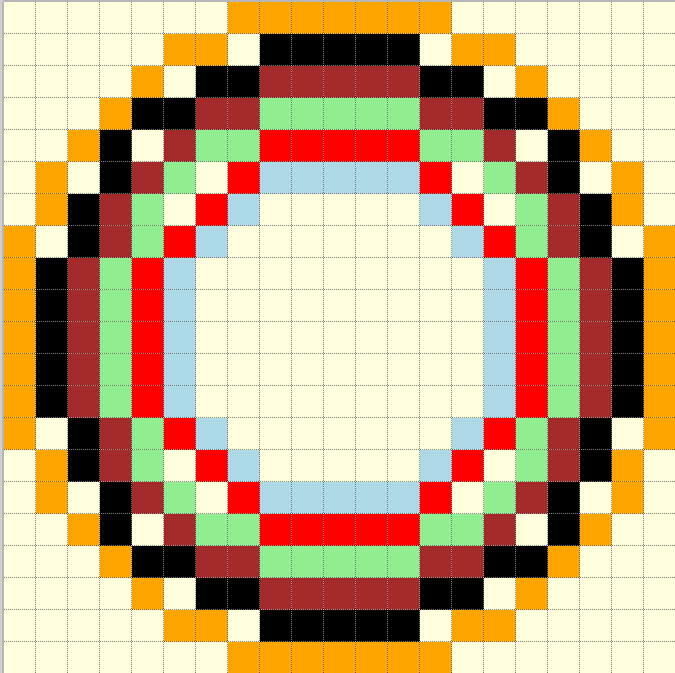
Concentric circles#
Often when drawing concentric circles, based on the single width script, there are gaps between the circles. (the paths of each circle differ)
Using thick lines as an example, assume that the circles can use a similar logic to change the difference values as the circles become thicker. Use the simple Zigl circle modified to plot points in an octant, as used in the mid-point algorithm. This makes it easier to formulate the pixel positions and their differences from the true circle.
Note
The standard mid-point circle plots from 0° to 45°. When a pixel
sits exactly on the 45° line it will be duplicated, on the other hand when
the 45° line is between two pixels, there is no duplication. All pixels
need to be drawn at least once, so the condition of the while clause has
be inclusive. Prevent
duplication by plotting the pixels on the 45° line in only half the
sectors by deactivating all8 in the function plotpoints.
Check out the circle comparison to see where the 45° line sits on various circles.
The following script is an amalgam of the mid-point algorithm and the Zigl error values used as differences for antialiased circles 1 pixel wide
Show/Hide One Pixel Wide Antialiased Amalgam Circle
def plotpoints(dr, xm, ym, x,y, fill, all8=1):
    # plots all 8 sectors or only 4 sectors
    if all8 == 1:
        dr.point((xm-x, ym+y), fill)               # I. Octant
        dr.point((xm-y, ym-x), fill)               # III. Octant
        dr.point((xm+x, ym-y), fill)               # V.  Octant
        dr.point((ym+y, xm+x), fill)               # V!!. Octant

    dr.point((xm+x, ym+y), fill)                   # IV. Octant
    dr.point((ym+y, xm-x), fill)                   # II. Octant
    dr.point((xm-x, ym-y), fill)                   # VIII. Octant
    dr.point((xm-y, ym+x), fill)                   # VI. Octant

def plotCircle(dr, centre, r, fill=(0,0,0), back=(255,255,255)):
    xm, ym = centre
    # draw a black antialiased circle on light background
    x = -r
    y = 0                                   # IV. Octant from left to bottom left

    err = 2 - 2 * r                         # initial difference
    maxd =  (r << 1) - 1                    # 1 pixel inwards from start

    def errs(comp, size,j):
        return 255 if comp == 255 else int((255-comp) * j / size) + comp

    diffs = defaultdict(list)
    diffs = defaultdict(lambda:back, diffs)
    for i in range(int(maxd)+1):
        if fill == (0,0,0):
            diffs[i] = tuple(int(255*i/maxd) for k in range(3))
        else:
            diffs[i] = tuple(errs(fill[k],maxd,i) for k in range(3))

    # plots 4 initial points, must be at fill colour
    plotpoints(dr, xm, ym, x, y, fill, all8=0)


    while -x > y + 1:
        err0 = err

        if (err0 <= y):
            y += 1
            err += y * 2 + 1            # e_xy+e_y < 0

        if (err0 > x or err > y):          # e_xy+e_x > 0 or no 2nd y-step
            x += 1
            err += x * 2 + 1            # -> x-step now

        e2 = err-(2*y+1)-(2*x+1)
        out = abs(e2)
        plotpoints(dr, xm, ym, x, y, diffs[out], \
                all8 = (1 if (xm+x, ym+y) != (xm-y, ym-x) else 0))

        ein = abs(e2+2*x+1)
        if ein < maxd:
            plotpoints(dr, xm, ym, x+1, y, diffs[ein], \
                all8 = (1 if (xm+x, ym+y) != (xm-y, ym-x) else 0))

        eout = e2+2*y+1
        if eout < maxd:
            plotpoints(dr, xm, ym, x, y+1, diffs[eout], \
                all8 = (1 if (xm+x, ym+y) != (xm-y, ym-x) else 0))
The function plotpoints either plots all eight octants or only four to prevent duplicating pixels. Note that the while condition has also been changed from that normally shown to help prevent duplicating pixels. Use plotpoints (all8 set to 0) to plot only four pixels at the circle start.
Build on this script for thicker antialiased circles.
Two Pixel Thick Circles Compared#
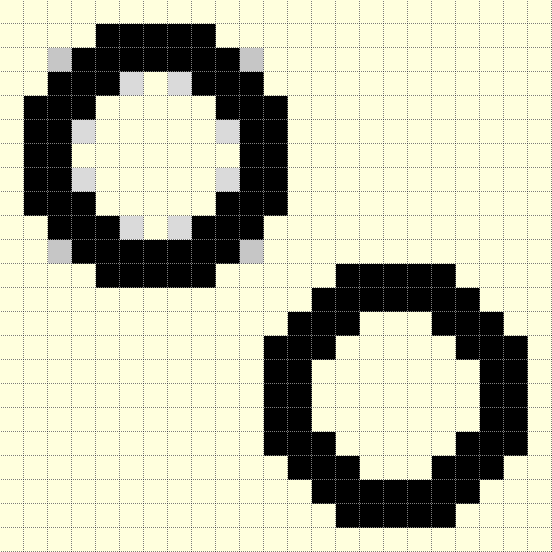
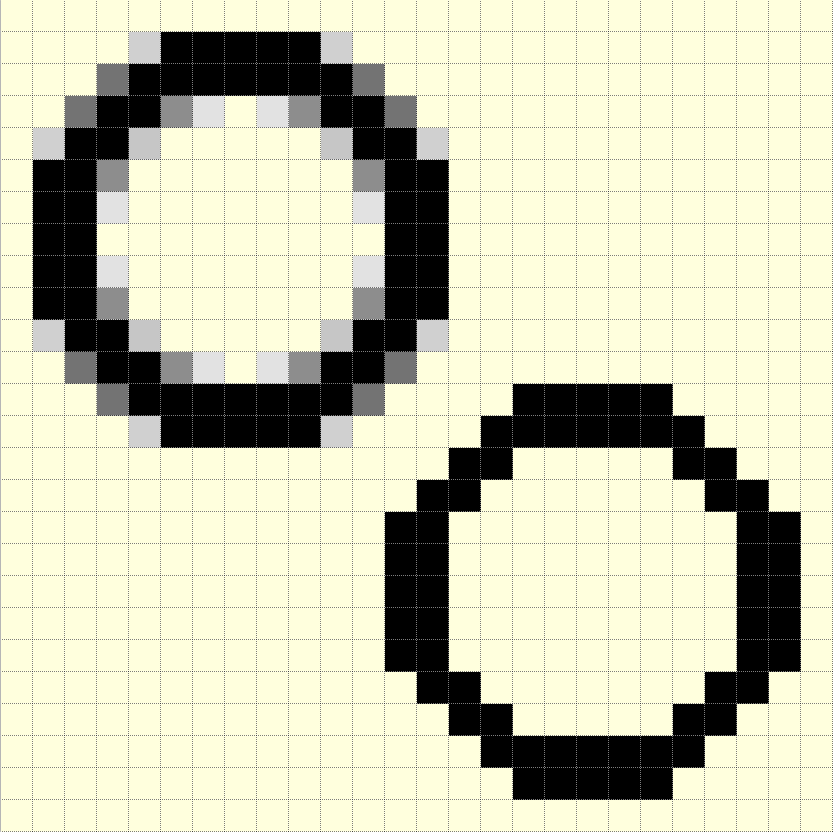
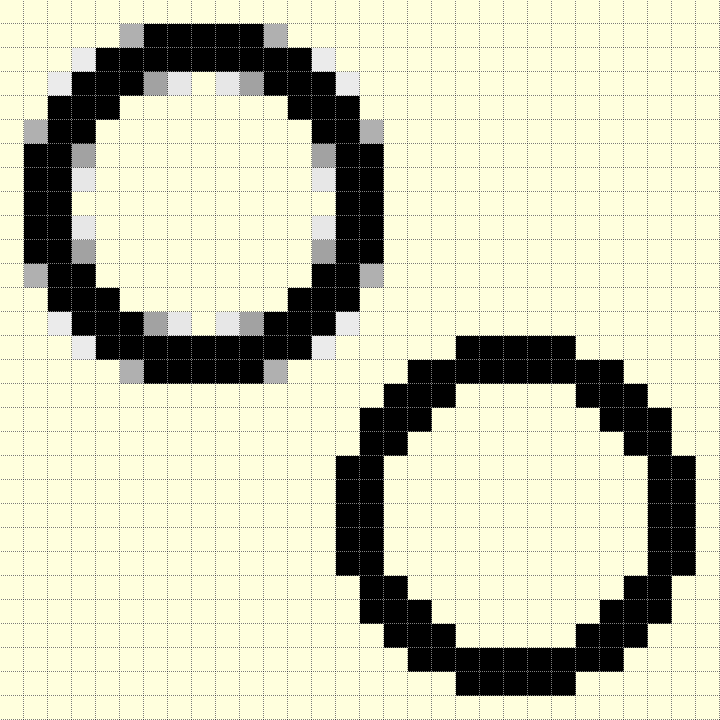
Show/Hide Comparison between Circles 2 Pixel Thick
Radius |
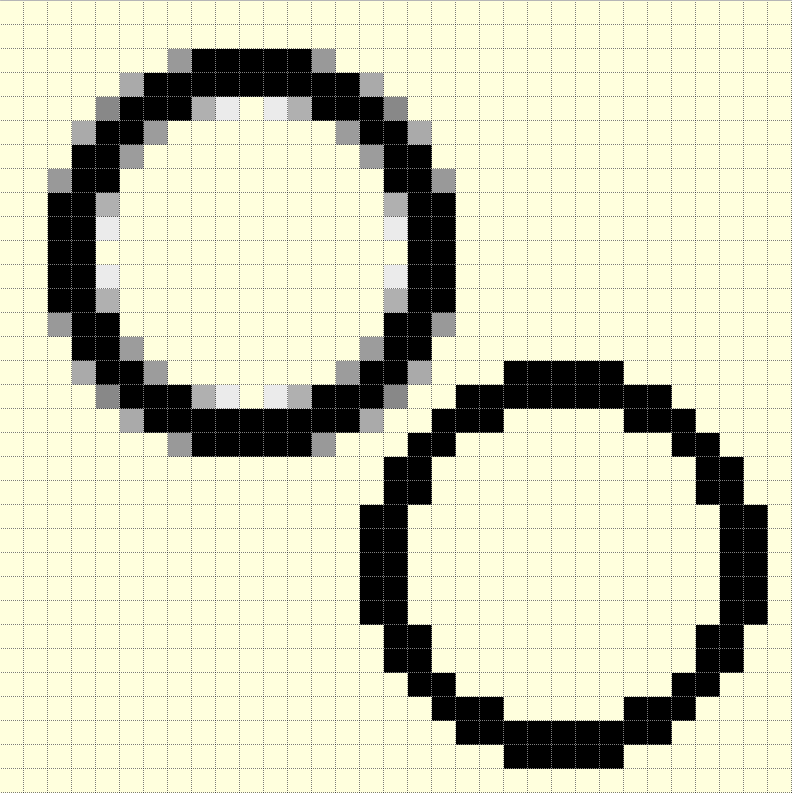
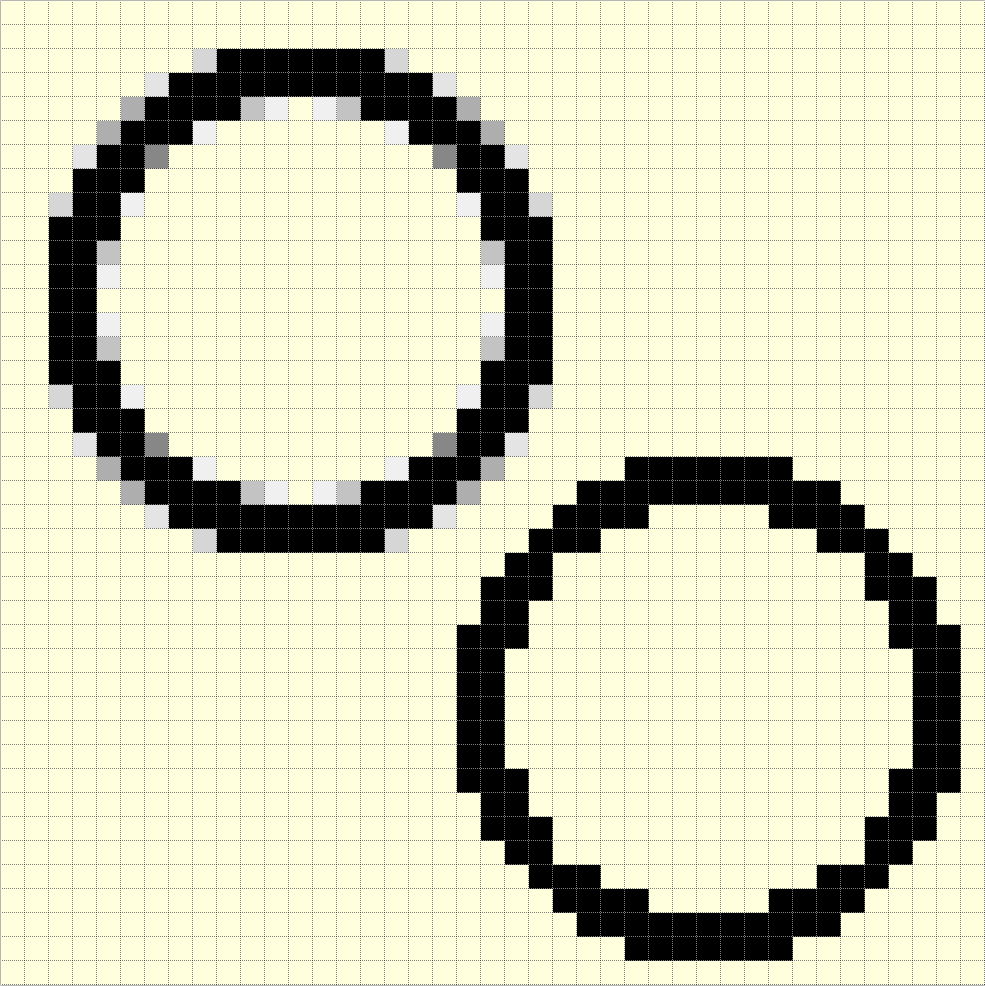
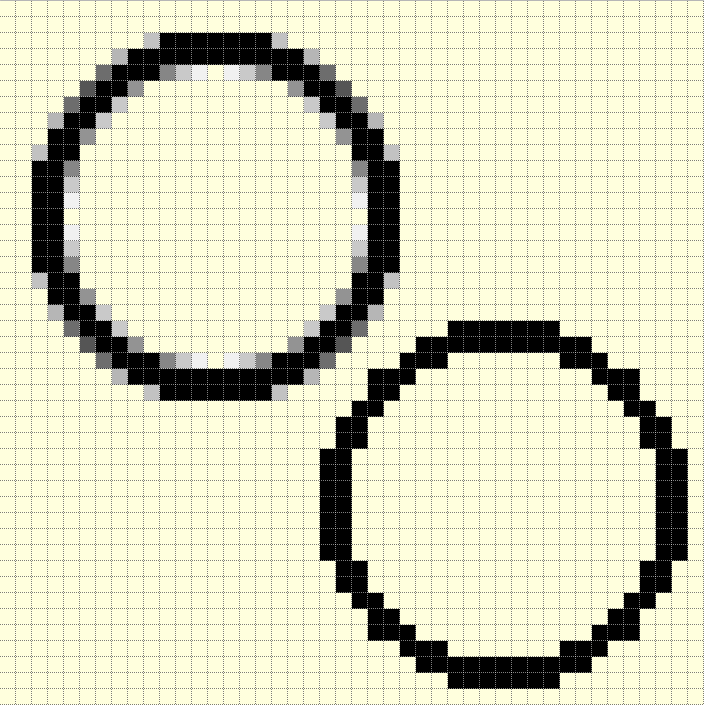
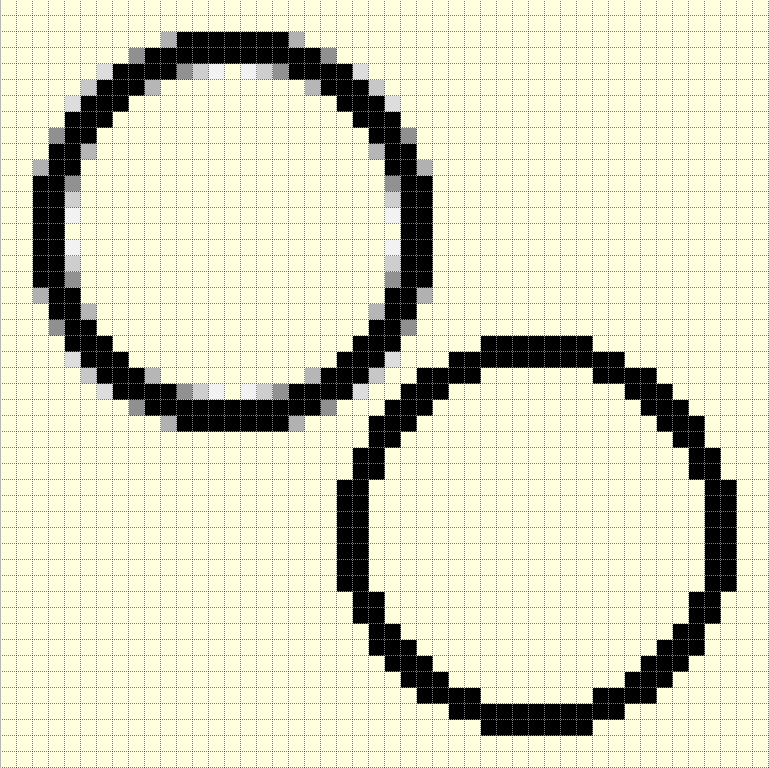
Antialiased Circle 2 pixels Thick and 2 Concentric PIL Circles |
|---|---|
5 |
|
6 |
|
7 |
|
8 |
|
9 |

|
10 |
|
11 |
|
12 |
|
The PIL circles above, were simply drawn as two filled circles. To avoid gaps draw the first circle set to the outer radius the smaller circle set to the background colour and sized to make the required width.
Thicker Antialiased Circles#
Base the next script on the amalgam script above. Only plot one antialiased circle and increase the number of inner antialiasing pixels. This means that the main circle will be the nominal diameter and the width grows inwards. The smallest circle will have its colour adjusted in much the same way as the main circle, but will be plotted as if it was a set of inner antialias pixels. The pixels between the outer and inner main circles will be black. Duplication is likely to increase on the 45° line but this can be solved.
With a 2 pixel thick circle the colour adjustment of the two main circles will match and do not look too good, it looks better when the smaller circle's colour is adjusted. Luckily we can compute the difference values of the smaller circle and its inner antialias pixels as if it was a standalone circle quite easily.
The difference/ error value for a pixel is \(x^2 + y^2 - Ro^2\) relative to the outer radius, and is \(x^2 + y^2 - Ri^2\) relative to the inner radius - the x,y coordinates are the same since the circles are concentric, so the difference in errors is \(Ro^2 - Ri^2\), which becomes \((Ro + Ri) \times (Ro - Ri)\). For a 2 pixel wide circle the error simply becomes e - (Ro + Ri). see the figure below.
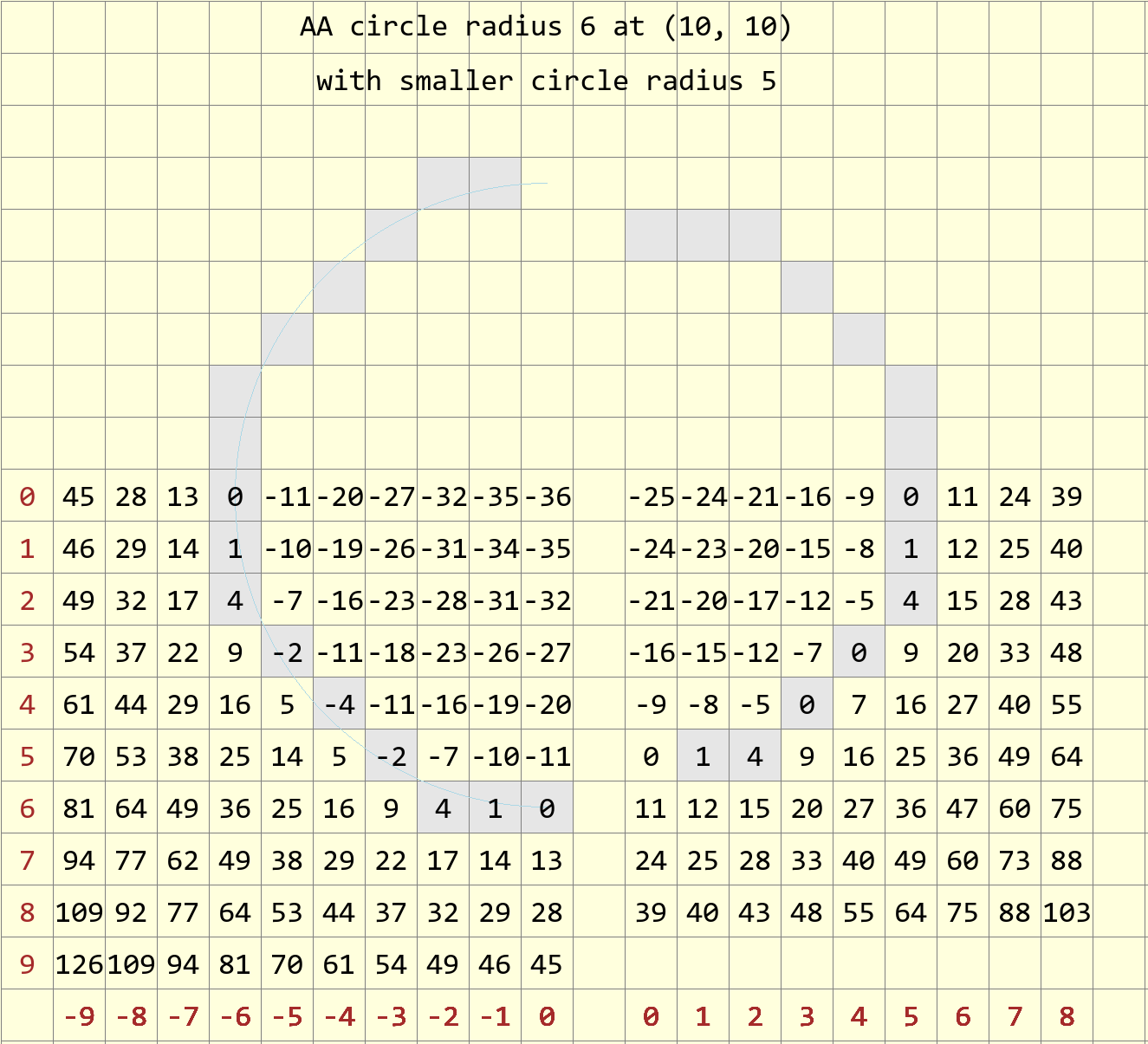
Differences for 6 and 5 radius circles#
Left hand side are the differences for a 6 pixel radius circle, opposite a 5 pixel radius circle. Starting at (-6,0) the error on the 6 radius circle is 0, moving one square right (-5,0) the error is -11, square (-5,0) on the 5 radius circle has an error of 0. Corresponding squares will have a difference of 11 between circles.
Moving along the larger circle one square to the right of the main circle goes from (-5,0) to (-4,3) the errors are -11, -10, -7, -11, going along the same path in the smaller circle the errors are 0, 1, 4, 0 (this follows the main path of the inner circle), the difference in errors is +11 at each square. A similar difference exists when we trace the path of the inner antialias pixel -9, -8, -5, -7 (one square to the right of the inner main path), becomes two sqares right of the main circle path -20, -19, -16, -18.
Note
Ensure that the starting point for the inner circle is found with the correct difference / error calculated from the outer circle before finding the inner circle difference value. Use it for smaller widths, which is our immediate interest.
Show/Hide Thick Circle Antialiased
def plotpoints(dr, xm, ym, x, y, fill, all8=1):
    # plots all 8 sectors or only 4 sectors in the while loop
    if all8 == 1:
        dr.point((xm-x, ym+y), fill)               # I Octant
        dr.point((xm-y, ym-x), fill)               # III. Octant
        dr.point((xm+x, ym-y), fill)               # V  Octant
        dr.point((ym+y, xm+x), fill)               # V!!. Octant

    dr.point((xm+x, ym+y), fill)               # IV . Octant
    dr.point((ym+y, xm-x), fill)               # II Octant
    dr.point((xm-x, ym-y), fill)               # VIII. Octant
    dr.point((xm-y, ym+x), fill)               # VI Octant

def plotOutCircle(dr, xm, ym, r, width, fill=(0,0,0), back=(255,255,255)):
    # use outermost circle radius then decrease
    # xm, ym = centre
    # draw a dark antialiased circle on light background
    r0 = r
    x = -r
    y = 0                         # III. Octant from left to bottom left

    err = 2 - 2 * r                         # initial difference

    #maxd =  (r << 1) # - 1                 # 1 pixel inwards from start

    maxdi = [0]
    for n in range(0, width+1):
        maxdi.append(maxdi[n] + 2 * (r-n) -1)
    maxdi.remove(0)
    maxd = maxdi[0]
    # ensure inner aa working normally
    # find maxd of smallest main circle
    maxdsm = 2 * (r-width+1) - 1
    # thick factor used outer main lines
    thfact = (width-1)/2

    def errs(comp, size,j):
        return 255 if comp == 255 else int((255-comp) * j / size) + comp

    diffs = defaultdict(list)
    diffs = defaultdict(lambda:back, diffs)
    for i in range(maxd):
        if fill == (0,0,0):
            diffs[i] = tuple(int(255*i/maxd) for k in range(3))
        else:
            diffs[i] = tuple(errs(fill[k],maxd,i) for k in range(3))

    diffsm = defaultdict(list)
    diffsm = defaultdict(lambda:back, diffsm)
    for i in range(maxdsm):
        if fill == (0,0,0):
            diffsm[i] = tuple(int(255*i/maxdsm) for k in range(3))
    else:
        diffsm[i] = tuple(errs(fill[k],maxdsm,i) for k in range(3))

    while -x > y - 1:                       # main loop
        err0 = err
        e2 = err-(2*y+1)-(2*x+1)
        ea = abs(e2)
        out = max(0,int(ea-thfact))
        plotpoints(dr, xm, ym, x, y, fill=(diffs[out] if out > 0 else fill),
                all8 = (1 if (xm+x, ym+y) != (xm-y, ym-x) \
                or (x==-r and y == 0) else 0))

        # fill out diagonals
        x0 = -x
        eout = abs(e2 + 2*x0 + 2*y + 2)
        if eout < maxd:
            plotpoints(dr, xm, ym, x-1, y+1, diffs[eout],
                all8 = (1 if (xm+x, ym+y) != (xm-y, ym-x) else 0))

        ein = e2
        x0 = -x
        for n in range(0, width):
            ein = ein-(2*(x0-n)-1)
            e0 = -ein

            if n < width -2:
                out = fill
            elif n == width-1:
                # smallest main circle correct differences
                out = diffs[abs(int(e0-maxd*thfact/10))] \
                    if n == 0 else diffsm[e0-maxdi[n-1]]
            else:
                out = diffsm[max(0,(abs(e0-maxdi[n])-maxdsm*thfact/10))]
            plotpoints(dr, xm, ym, x+n+1, y, out,
                    all8 = (1 if (xm+x, ym+y) != (xm-y, ym-x) else 0))

        if (err0 <= y):
            y += 1
            err += y * 2 + 1            # e_xy+e_y < 0

        if (err0 > x or err > y):          # e_xy+e_x > 0 or no 2nd y-step
            x += 1
            # aa missed by diagonals
            eout = abs(e2 + 2*y - 1)
            plotpoints(dr, xm, ym, x-1, y, diffs[eout],
                all8 = (1 if (xm+x, ym+y) != (xm-y, ym-x) else 0))
            err += x * 2 + 1            # -> x-step now
To prevent the inner antialiasing pixels encroaching on each other, additional conditions are included in the script, more than for a single pixel wide circle. The outer antialiasing pixels have the opposite problem, and require additional pixels inserted to fill the gaps. Use figures such as that for a theoretical antialiased circle to check on which outer pixels need to show. The two innermost pixel plots are computed as though lying on a smaller circle, so require diffsm a separate hue dictionary.