

Introduction Dimensions#
PIL Arrow |
tkinter Arrow |
|---|---|
|
|
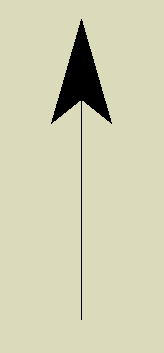
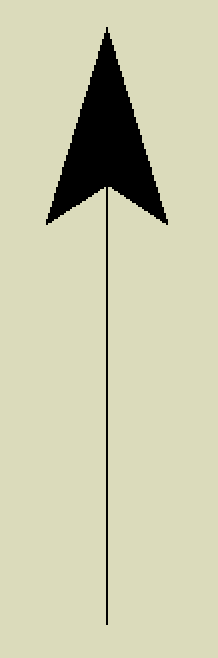
The images show lines and arrow created by PIL on the left and tkinter. Additional line and text functions have been created for PIL, with the following attributes.
- Adding arrows to a line
Use
arrowwhich positions the arrow andarrowshapea tuple that defines its shape.
- Dashed line
Use
dashthat is a tuple to specify the dash and spaces.
- Angled text
Text made at an angle, given in degrees, and the text anchor point has been changed to the text centre.
Dimensions within the object are best shown with outward pointing arrows, either on lines or circular arcs, for smaller dimensions the arrows point inwards. Outer dimensions can either be shown with arrows or short lines angled at 45° to the dimension. Extension lines are plain with no arrows, they almost touch the object and extend slightly beyond the dimension lines, meeting the dimension line at right angles. Leaders point to a noteworthy object attribute, with some explanatory text and have an arrow at one end.
The main problem is geometric, when developing the scripts
don't forget to draw an extra line or two to check that the geometry works.
sine and cosine work all round from 0 to 360°, whereas tangents only
accurately indicate the first half of the circle, so determine the slope of
a line using math's atan2.
Keep in mind that the y_axis increases down the page, the x-axis increases from left to right, so angles start at 3 o'clock (along the x-axis) and increase clockwise (opposite to school maths). The upper left corner of an image starts at (0, 0) at its maximum extent, the lower left corner, the coordinates are the picture size less one (width-1, height-1).