

Introduction Antialiased Dimensions#
Drawn Arrows
PIL
canvas
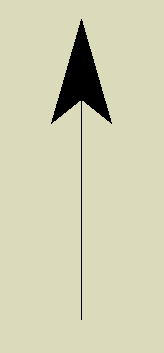
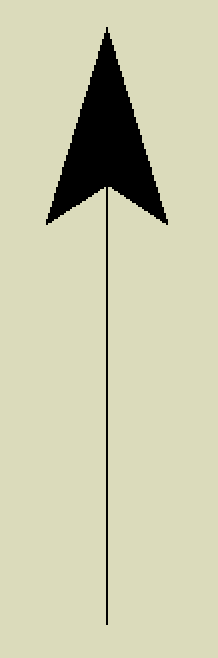
Large arrows with vertical lines, compare that made using the PIL dimensions and tkinter canvas. Now compare the images below.
Drawn Arrows
normal PIL
antialiased
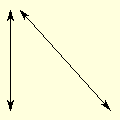

The lines and arrows were created by PIL using the standard utilities developed here on the left and antialiased on the right. The left diagonal line looks jagged and paler than the vertical line, the right diagonal line looks about the same darkness as its companion vertical line. It is difficult to see much difference between the various arrows, but the vertical arrows look jagged.
If the components of a dimension are shown at large size or the lines are mainly orthogonal then the need for antialiasing falls away, but generally antialiasing gives a better look to the final image. Since we are using PIL throughout it is possible to mix and match.
The comments for the orthogonal dimensions apply.
- Adding arrows to an antialiased line
The arrows are antialiased.
- Dashed antialiased line
Used on lines 1 pixel wide, as wider lines require that the width is not larger than the dash length.
- Angled text
No change required
Since colour for the antialiasing changes, ensure that the component and background colours (fill and back) are both RGB tuples.
The dimension examples used the module DimLinesPIL, the antialiasing dimension examples have a similar module DimLinesAA. This will be largely self contained but will refer back to original module for functions such as angled text. The antialiasing functions have similar names to the dimension functions, except for the _aa tag, so dims.py becomes dims_aa.py.